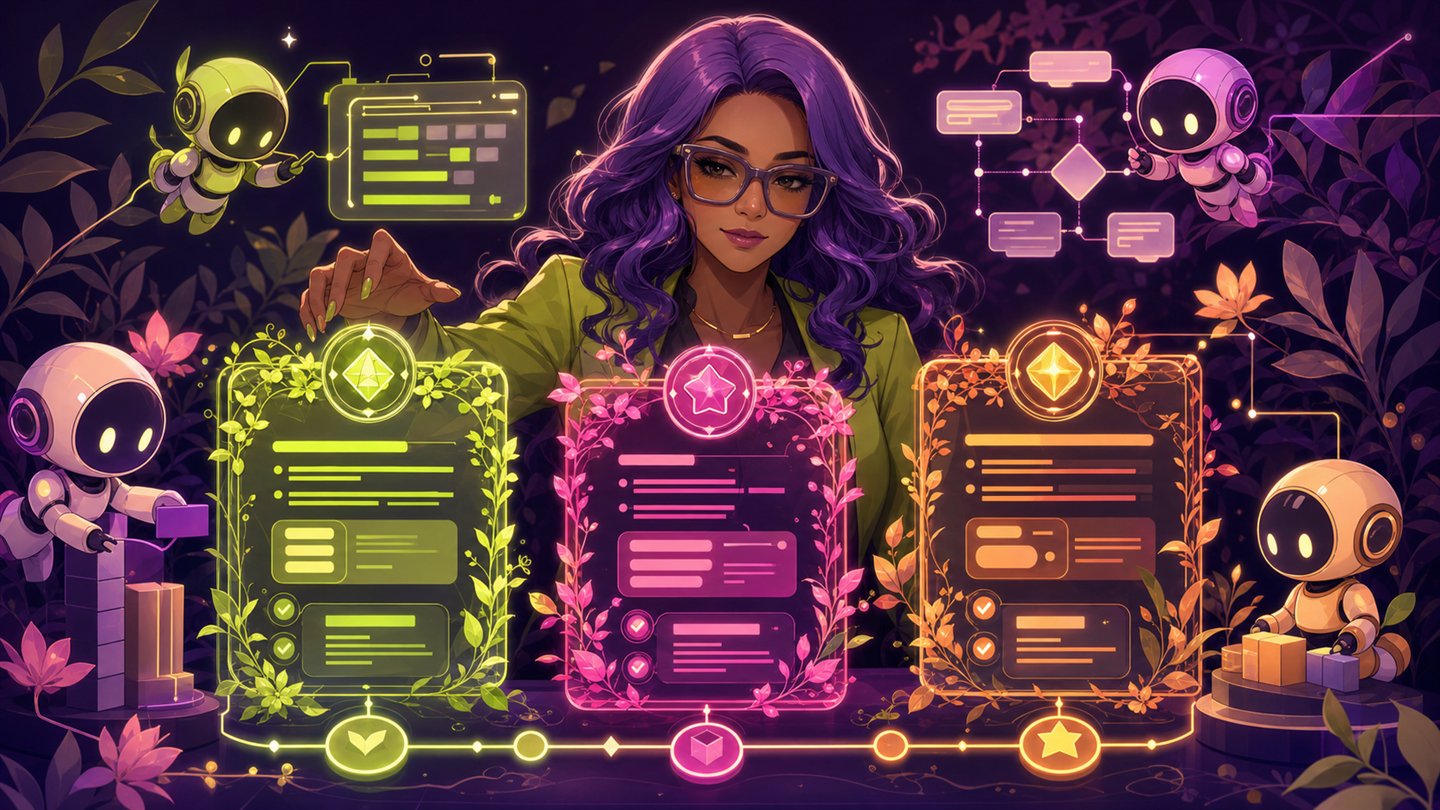
Owner's desk
1 / Route Atlas
We map possibility. You build it.
Protect your work and meet Black founders, investors, writers, creators, makers, and opportunities across the world.
Credit before contact. Consent before access.
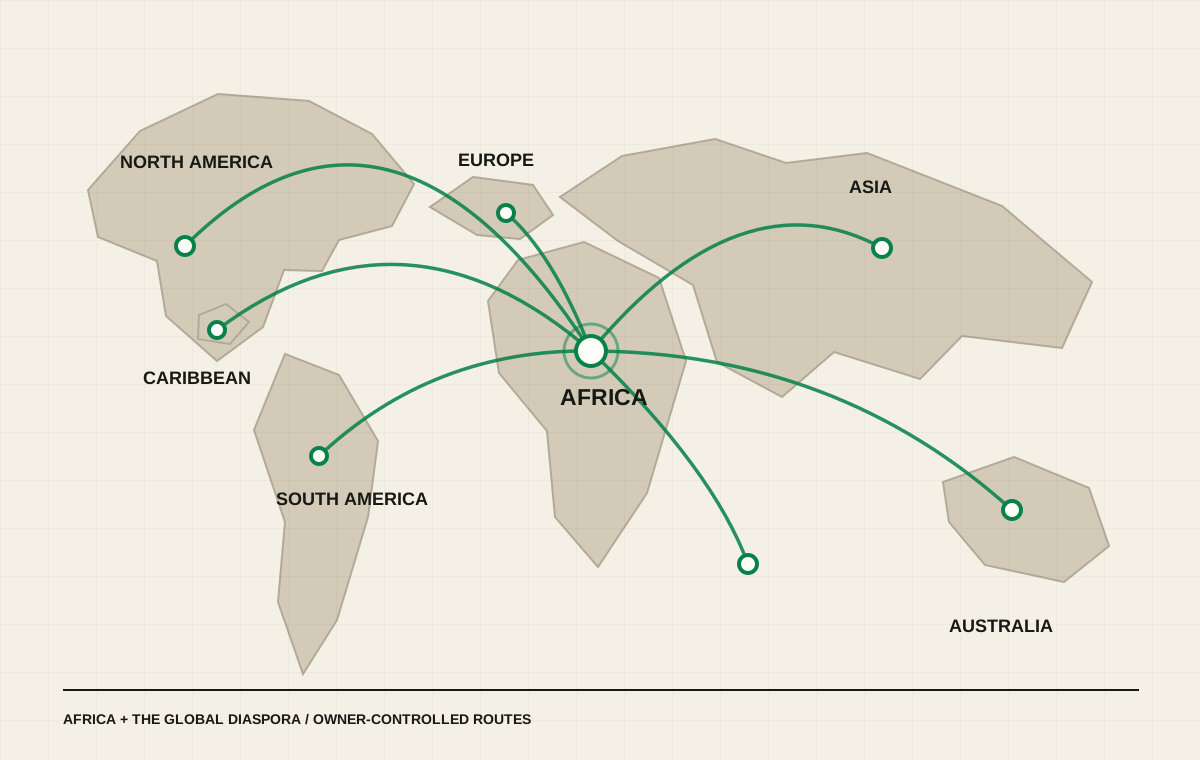
Route spotlight
Move from an idea to the right people.
Browse the networkOpportunity desk
See the terms before saying yes.
Find opportunities2 / Portrait Ledger
Real people.
Reviewed work.
Lasting impact.
Discover public-safe professional profiles across the ecosystem. Private contact, evidence, and messages stay private until the person chooses to connect.
- Public
- Professional summaries
- Private
- Contact and evidence
- Introductions
- Consent before access

3 / Night Market on paper
Build freely.
Protect deeply.
Connect boldly.
A living marketplace of ideas, talent, capital, and culture. Black2Africa makes the next move visible without taking ownership away from the people doing the work.
01Protect your workCopyright, Writers Guild, trademarks, patents, licenses, evidence, and receipts.
02Meet your peopleFounders, investors, writers, creators, makers, operators, and reviewed introductions.
03Move the opportunityAfrican and diaspora opportunities, sponsor terms, banking routes, and market access.
We protect ownership.We celebrate credit.We build legacy.
The economic thesis
Different hurdles can become complementary routes.
US-based members may know registration systems, banking requirements, contracts, sponsors, and market access. African members bring local knowledge, talent, production, sourcing, distribution, audiences, and opportunity. Black2Africa helps both sides find fit, name terms, record contribution, and protect ownership.
Explore USA banking and market routesSponsor deal desk
Put the money, rights, credit, and exit terms on the table first.
Anyone can submit a structured proposal. Creators decide whether to accept contact, decline, block, report, or request review. Private creator email is never a browsing feature.
Send a sponsor proposal